DDL - MySQL Conclusion
Conclusion for DDL (Structural Blueprint / Define) SQL Syntax for MySQL.
- DDL = Data Definition Language
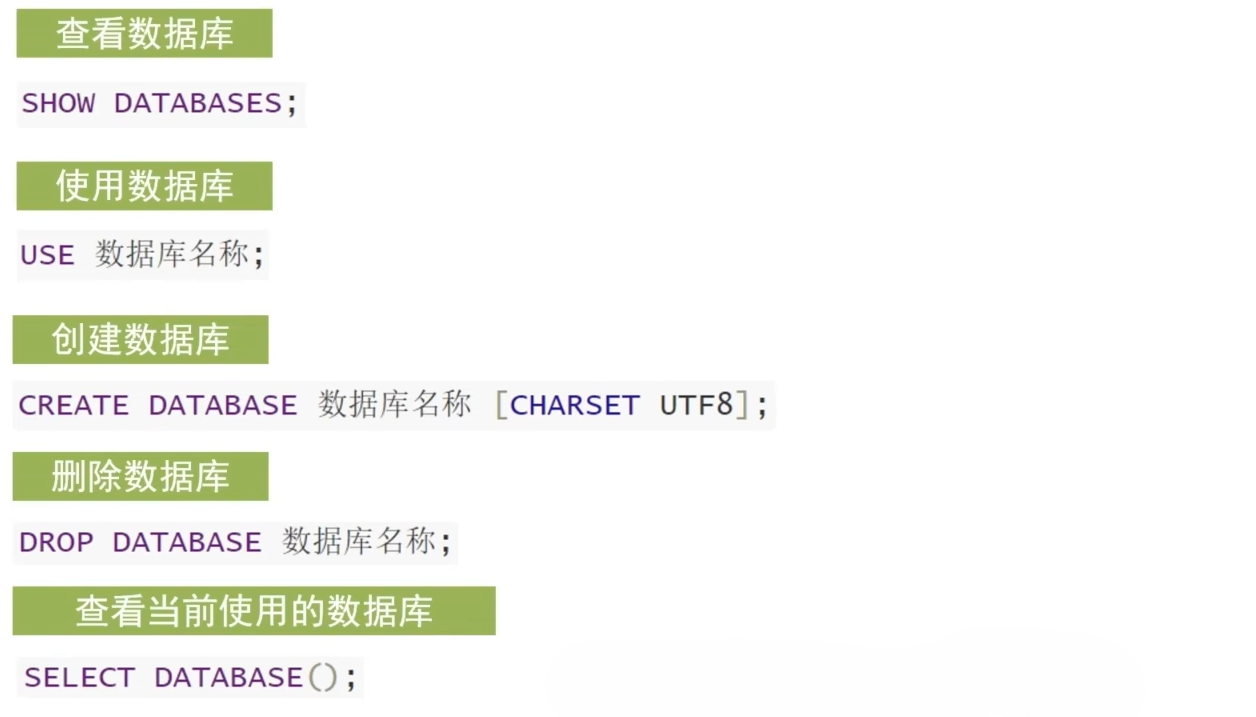
Database
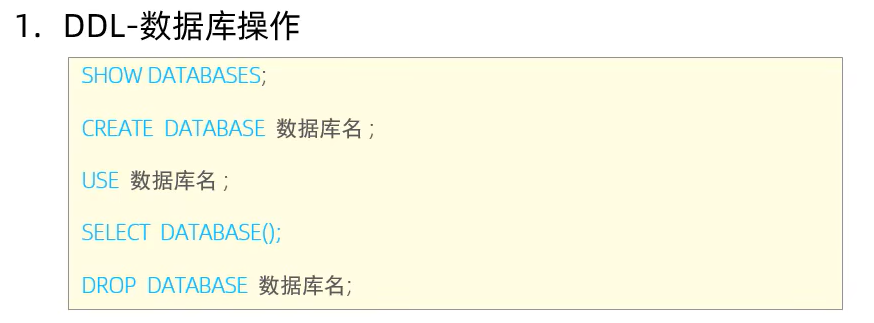
| Keywords | Syntax | Description | Link |
|---|---|---|---|
SHOW | SHOW DATABASES; | Show all of the database in MySQL | Click Here |
CREATE | CREATE DATABASE IF NOT EXISTS <db_name>; | Create Database If it's not exist in MYSQL | Click Here |
DROP | DROP DATABASE IF EXISTS <db_name>; | Drop Database if it's existed | Click Here |
USE | USE <db_name>; | Change the future actions towards a specific database. | Click Here |
SELECT | SELECT DATABASE(); | Get / Check current database in USE | Click Here |
Table
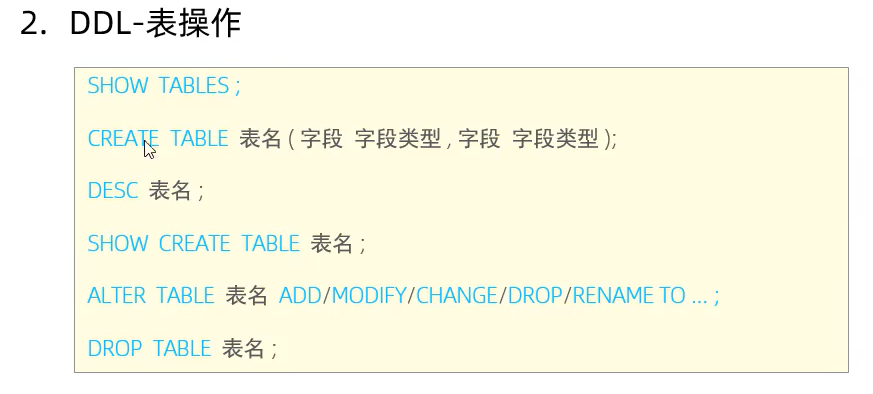
| Keywords | Syntax | Description | Link |
|---|---|---|---|
CREATE TABLE | CREATE TABLE IF NOT EXIST <table_name>(attr1 type_attr1 comment "optional comment"); | Create a table if not exist. | Click Here |
SHOW | SHOW TABLES; | Show all tables in a database | Click Here |
DESC | DESC <table_name>; | Describe / show the structure of the tables. | Click Here |
SHOW CREATE TABLE | SHOW CREATE TABLE <table_name>; | Show the SQL Code of creating an tables (Already exist) | Click Here |
Alter Table (Modify Structure)
| Keywords | Syntax | Description | Link |
|---|---|---|---|
ALTER TABLE ... ADD | ALTER TABLE <table_name> ADD <new_field> <field_data_type>; | Add a new field for a table existed. | Click Here |
ALTER TABLE ... MODIFY | ALTER TABLE <table_name> MODIFY <field_name> <NEW_DATA_TYPE>; | Modify the data type for an existed data field | Click Here |
ALTER TABLE ... CHANGE | ALTER TABLE <table_name> CHANGE <OLD_FIELD_NAME> <NEW_FIELD_NAME> <data_type>; | Change / Rename the name of an current existed data field. | Click Here |
ALTER TABLE ... DROP | ALTER TABLE <table_name> DROP <field_name>; | Delete the data field in a table | Click Here |
ALTER TABLE ... RENAME TO ... | ALTER TABLE <table_name> RENAME TO <new_table_name>; | Change / Rename the name of table | Click Here |
TRUNCATE TABLE ... | TRUNCATE TABLE <table_name>; | Delete the table and recreate the table | Click Here |
DROP TABLE IF EXISTS ... | DROP TABLE IF EXISTS <table_name>; | Delete the table | Click Here |
Flash Cards